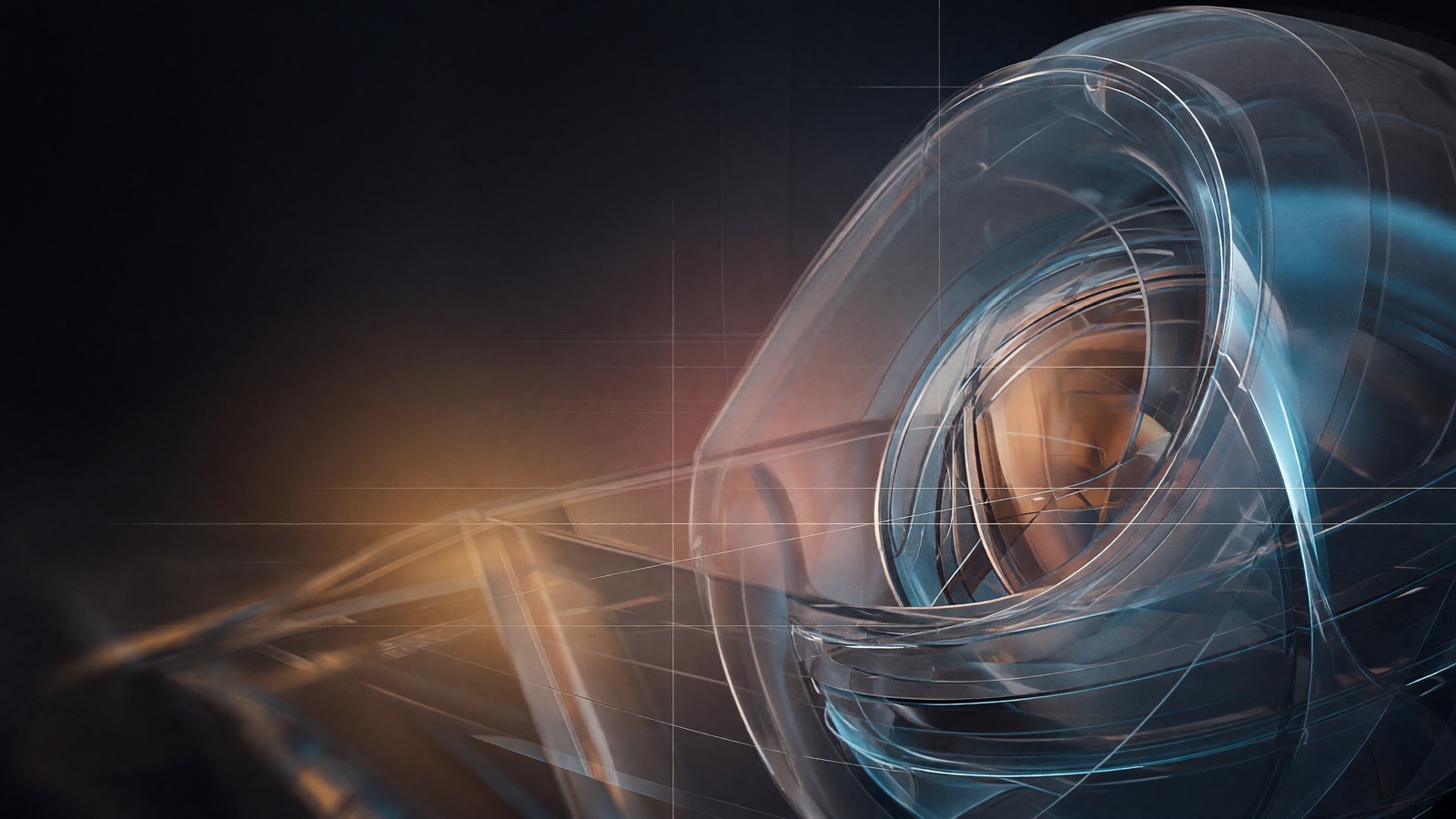
Editorial technology hero
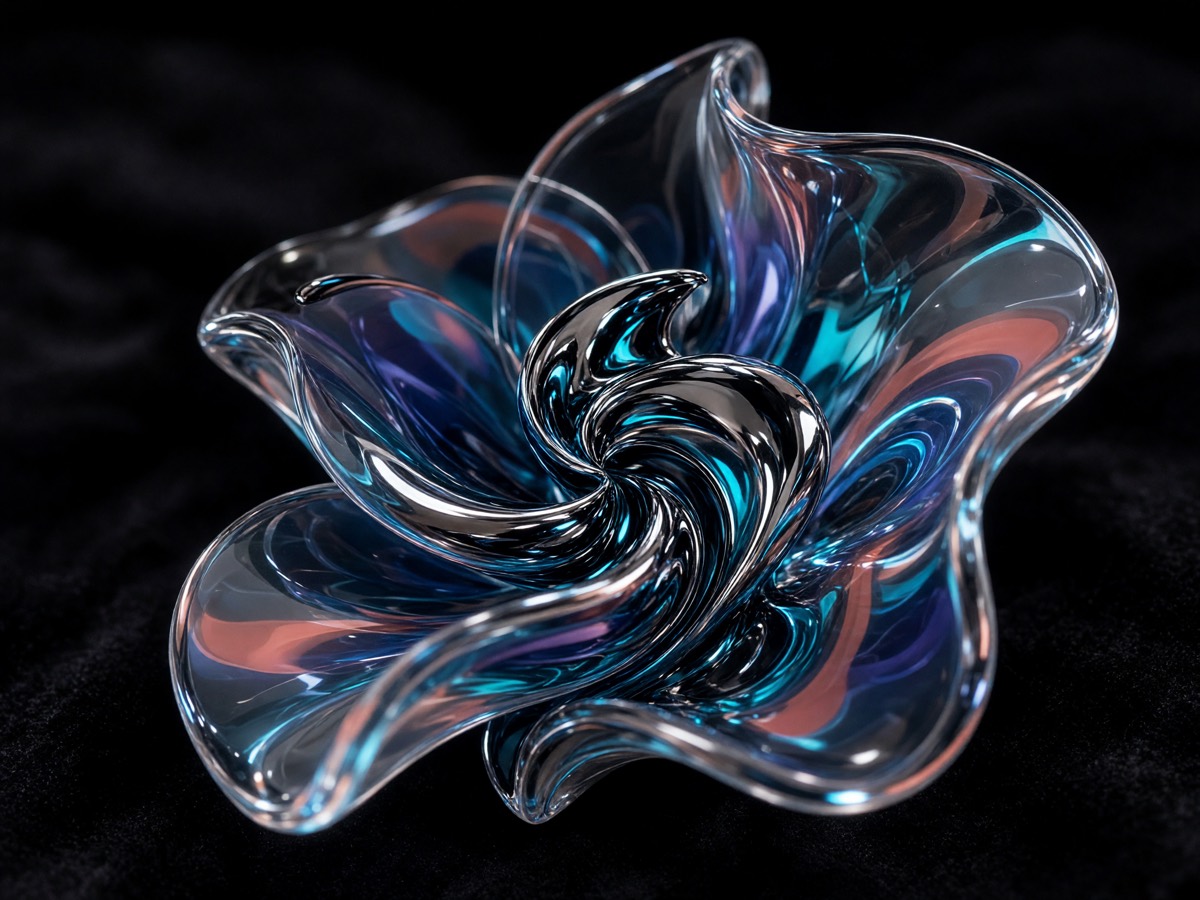
An X-inspired prompt combines negative space, glass forms, controlled color, and atmospheric depth for a dark contemporary hero image.
 Grok Imagine 2
Independent Grok Imagine Image V2.0 Generator
Text to image or one-image edit with Grok Imagine Image V2.0. Independent WaveSpeed generator — start with 32 signup credits.
32 credits = 2 images + 1 edit
Try a demo
Aspect ratio
Resolution
Quality
Focused image generation
Grok Imagine 2 is an independent browser-based workspace built around Grok Imagine Image V2.0. It keeps the path from prompt to output direct: describe the scene, send one request, and receive one image. Inference runs through WaveSpeed, and successful results remain in your private account history.
The model responds to descriptions of subject, composition, lighting, color, and style. The workflow suits product concepts, portraits, social graphics, character studies, and cinematic scenes. You do not need special syntax, but concrete, consistent instructions create a clearer brief.
The current release returns one image per request. Text-to-image costs 10 credits and lets you choose aspect ratio, 1K or 2K, and low or medium quality. Attach one image on the Edit tab to run Grok Imagine Image V2.0 Edit for 12 credits. It does not claim video generation or batch output.
Made with Grok Imagine Image V2.0
Explore first-party examples spanning product visuals, portraits, characters, and cinematic scenes created with Grok Imagine 2.
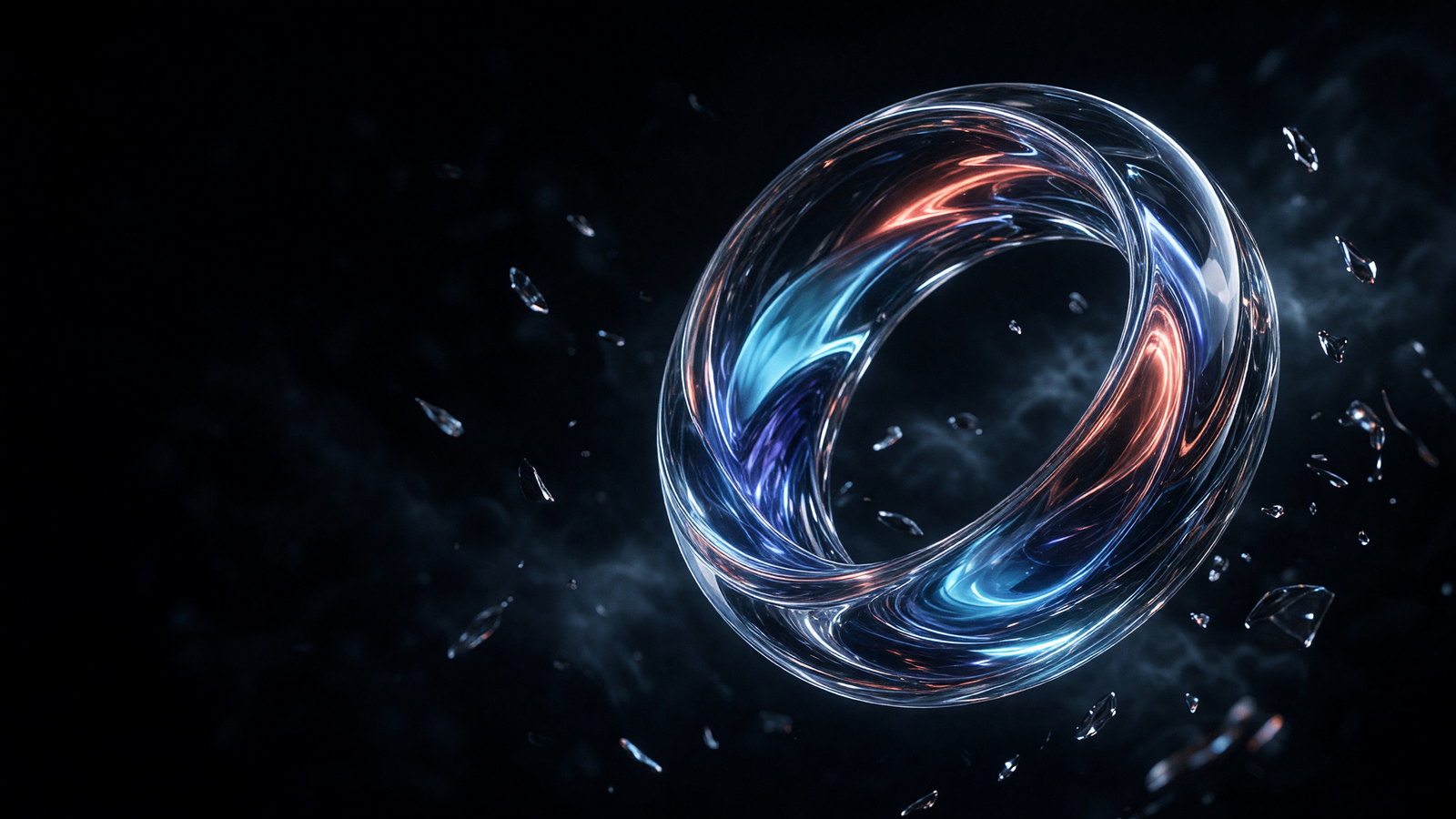
An X-inspired prompt combines negative space, glass forms, controlled color, and atmospheric depth for a dark contemporary hero image.
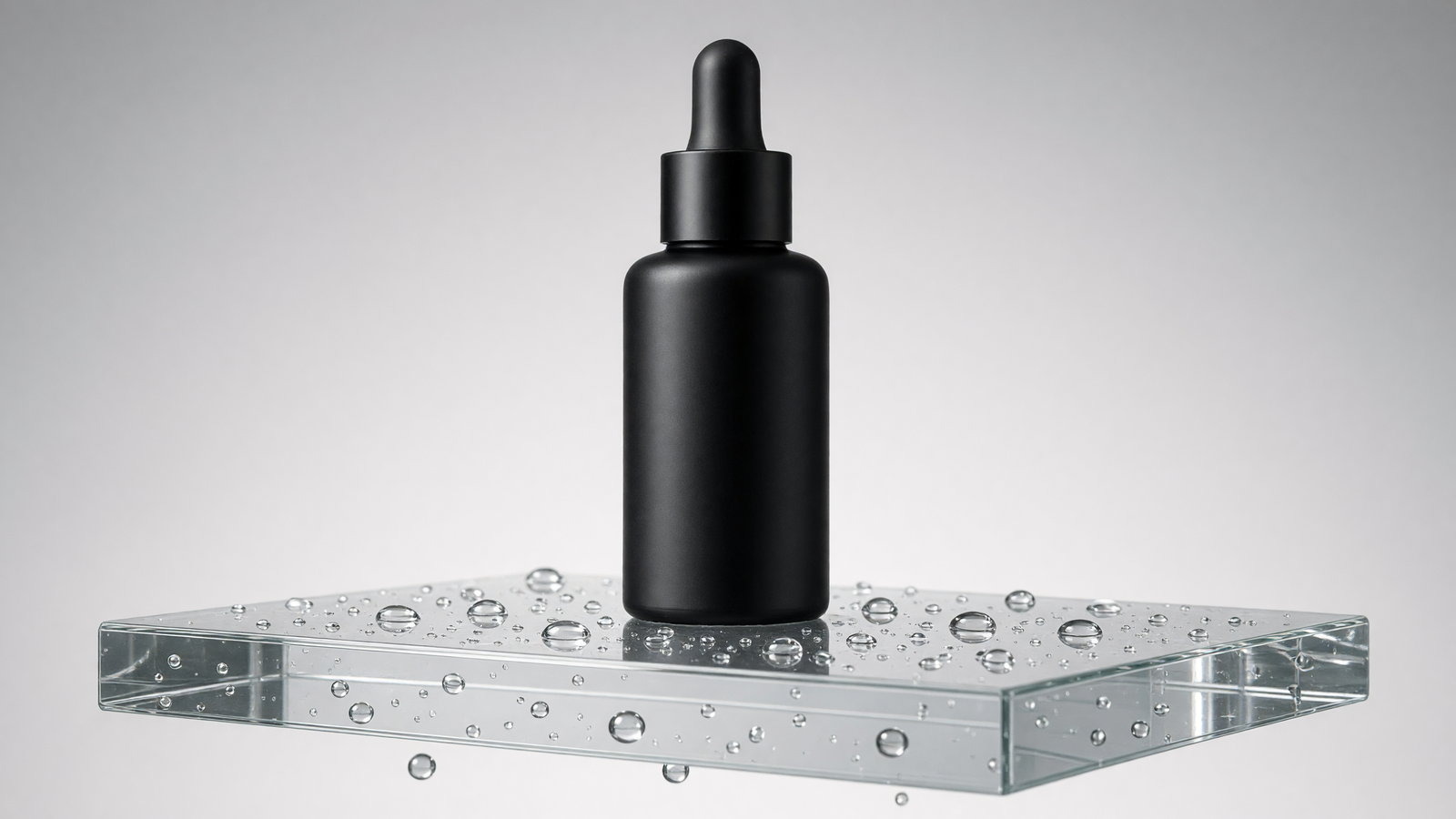
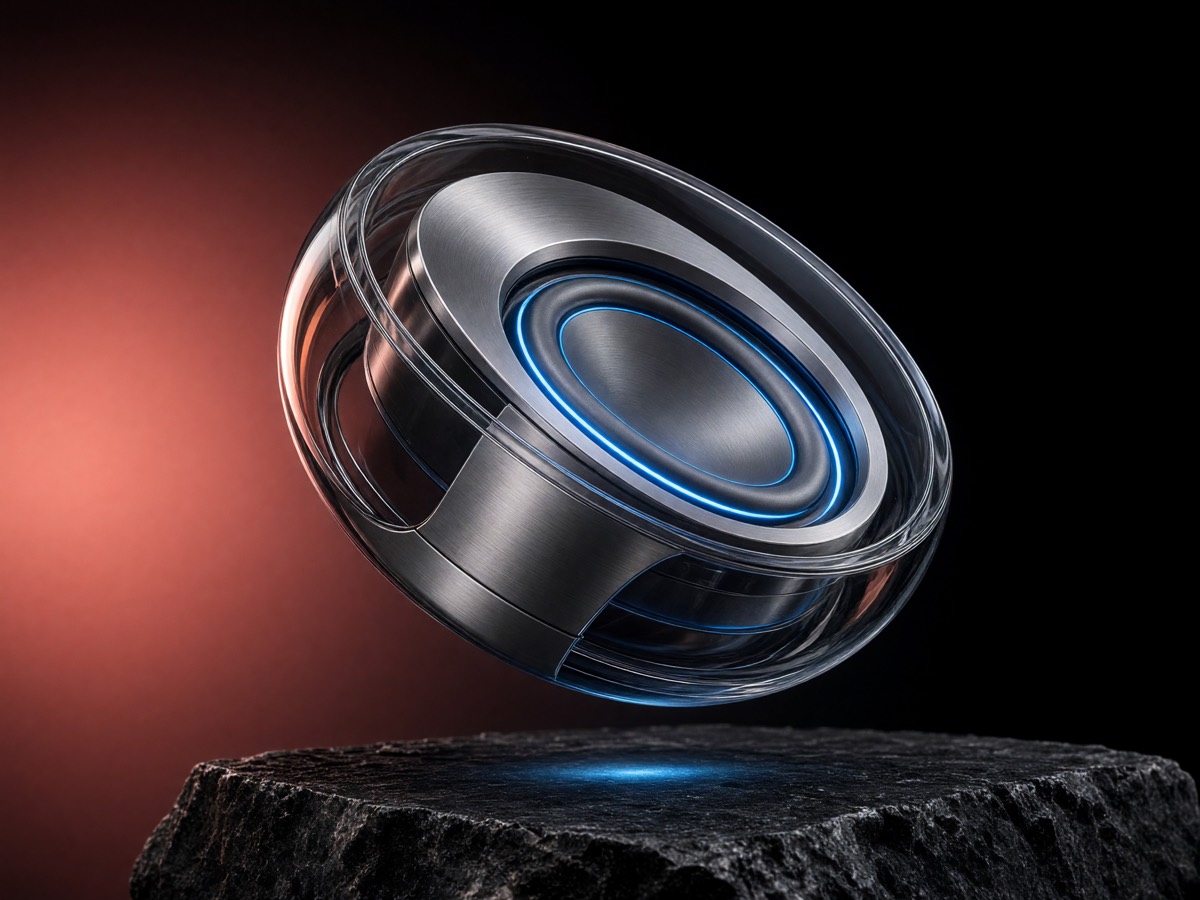
An unbranded bottle, transparent podium, water droplets, and restrained studio lighting create a clean commercial product frame.
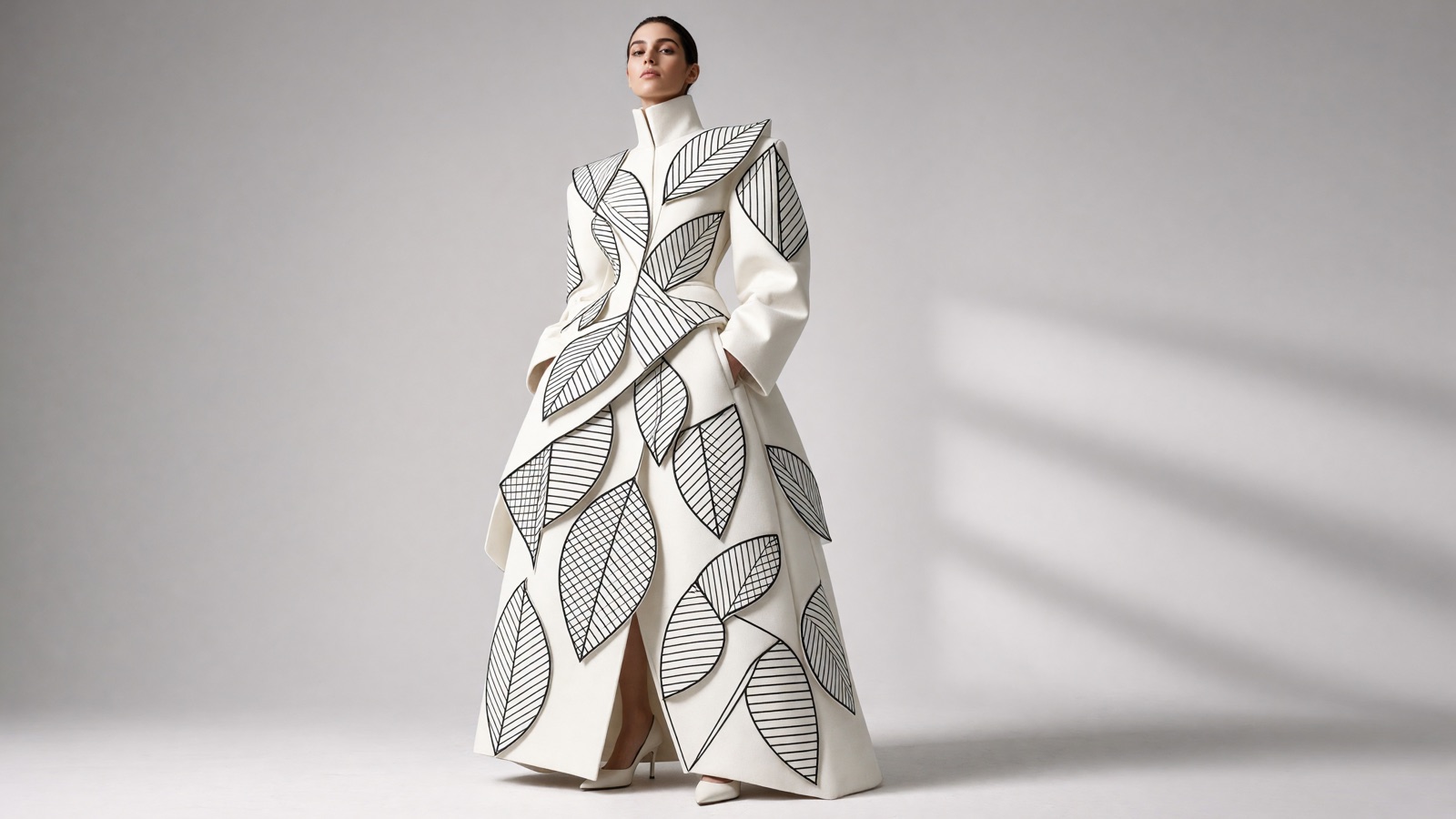
A white architectural coat becomes distinctive through oversized leaf appliques and precise black-line textile patterns.
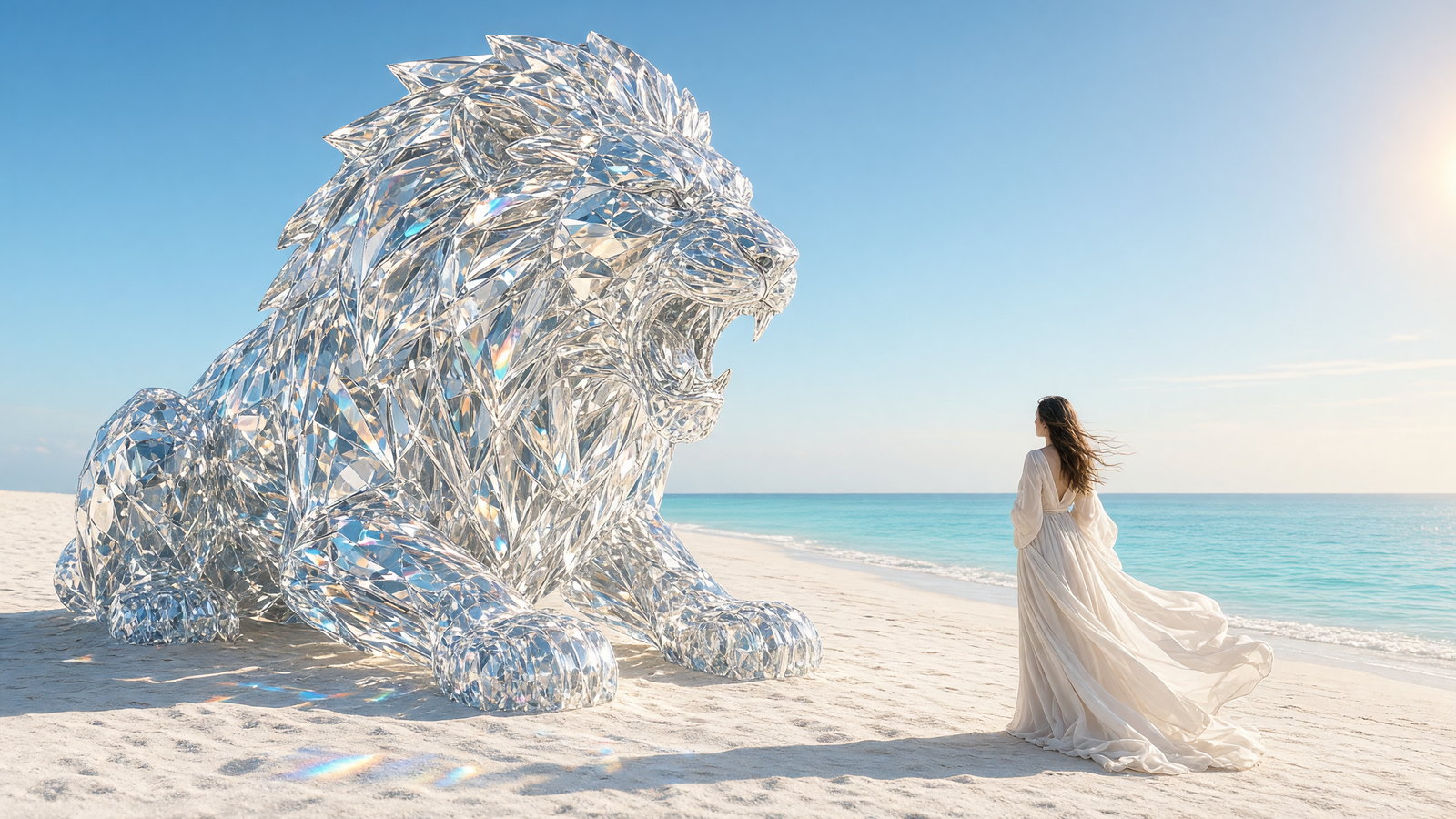
A faceted lion, small traveler, and bright beach turn scale contrast and refracted light into a dreamlike campaign scene.
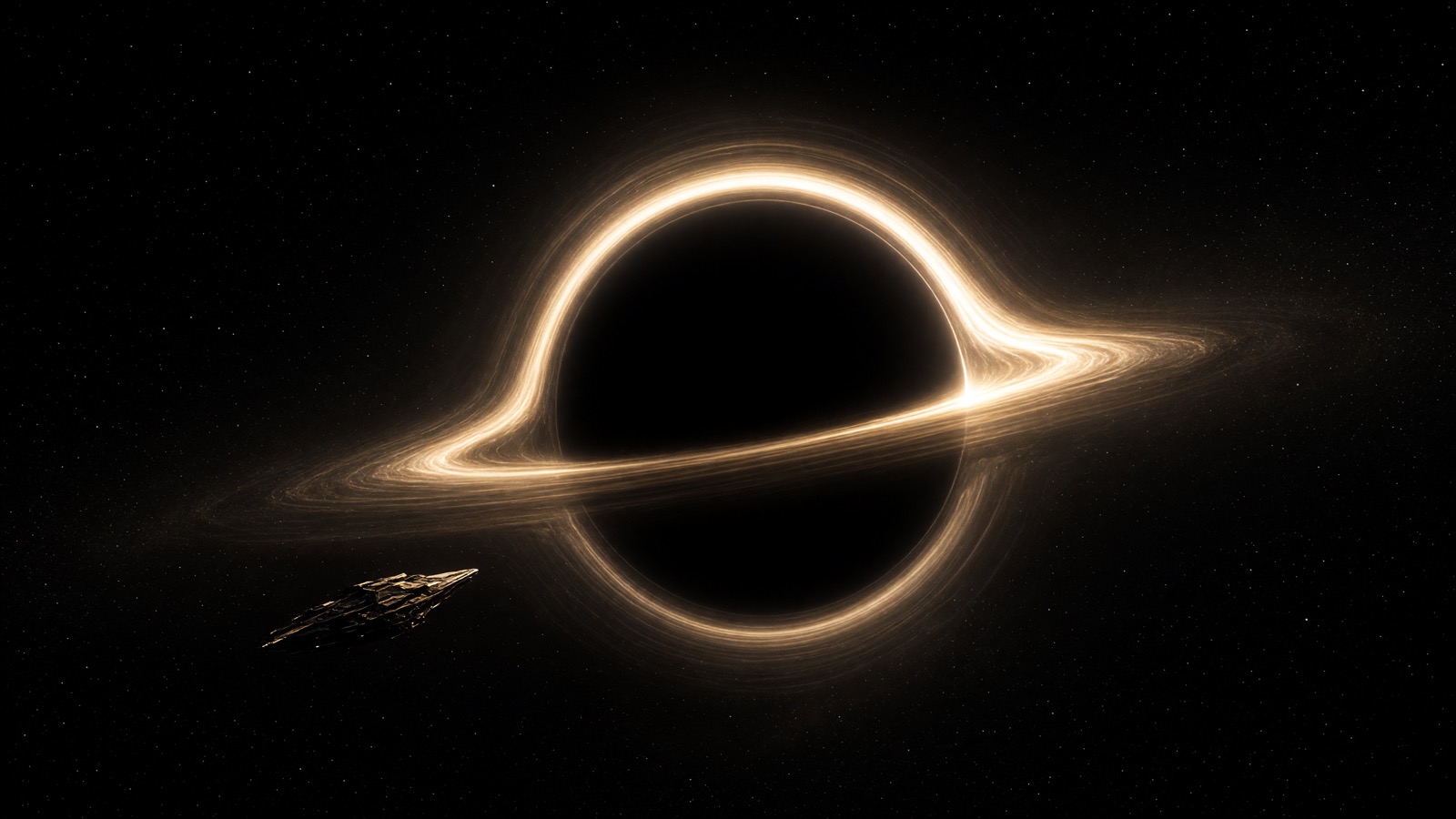
A tiny angular spacecraft crossing a luminous accretion ring uses extreme scale and restrained color for cinematic science fiction.
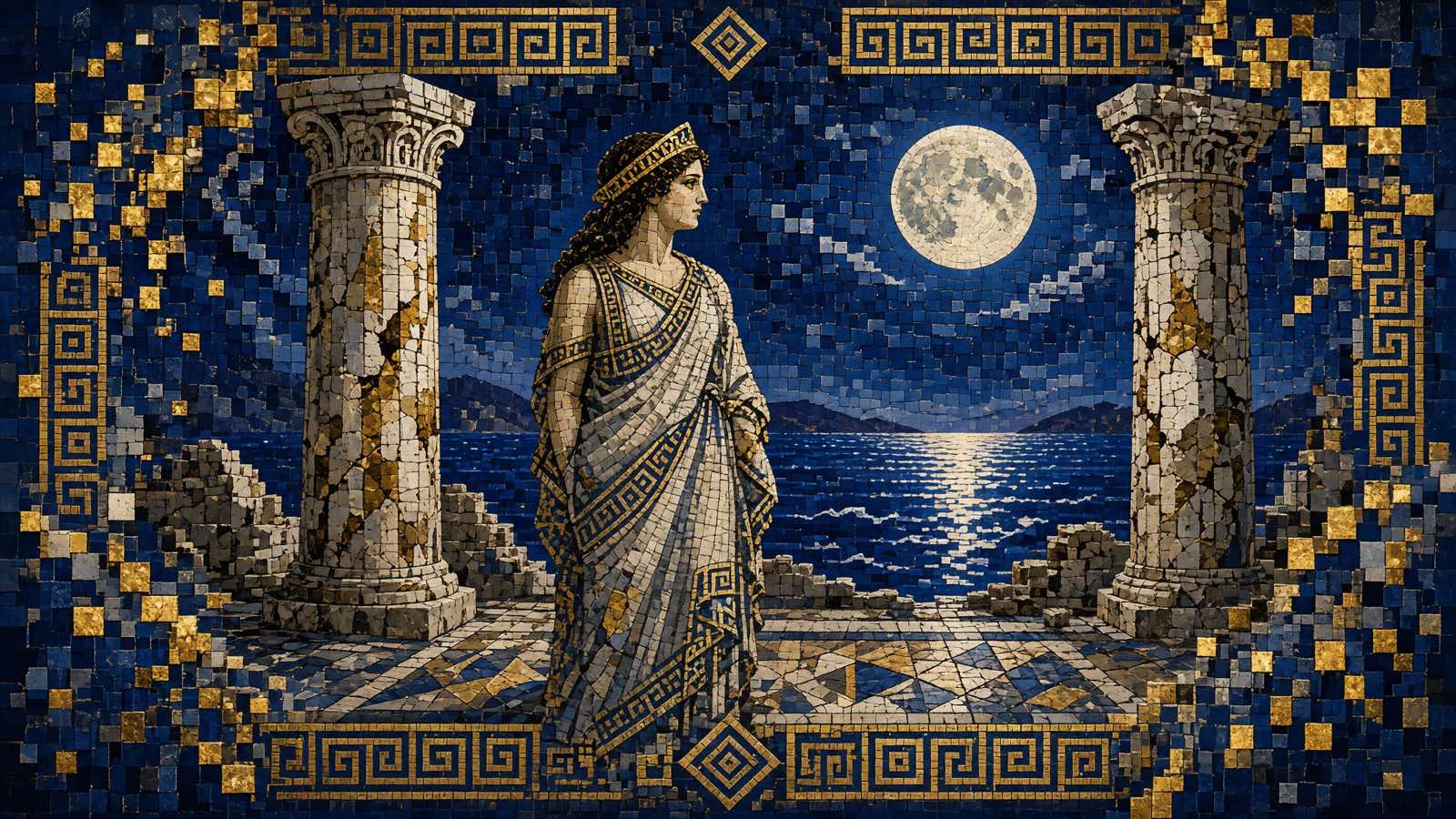
Cobalt and gold tesserae merge archaeological texture with clean digital geometry in a museum-style mosaic composition.
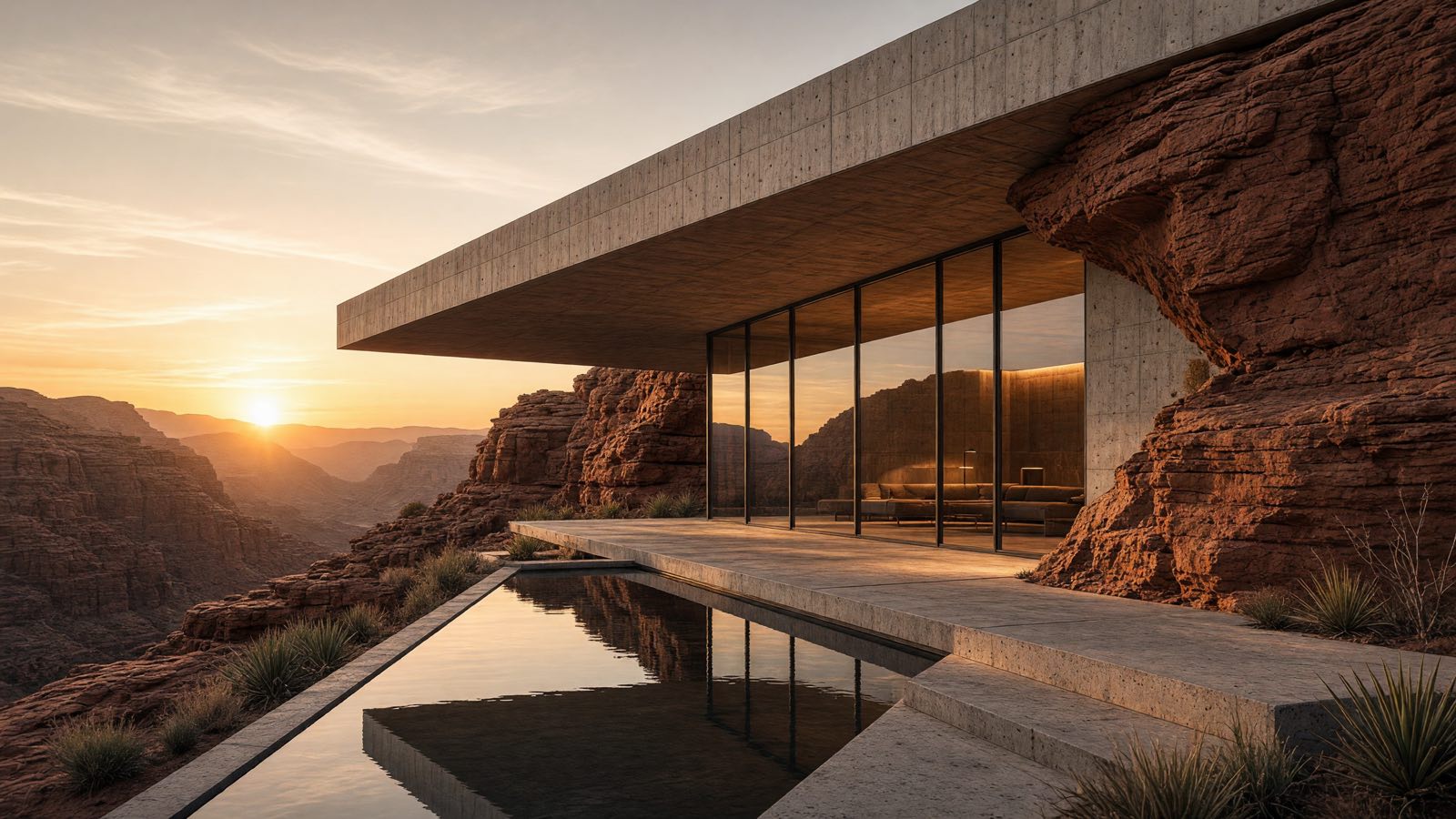
A minimalist concrete retreat set into sandstone, with warm sunset light and sharp architectural shadow.
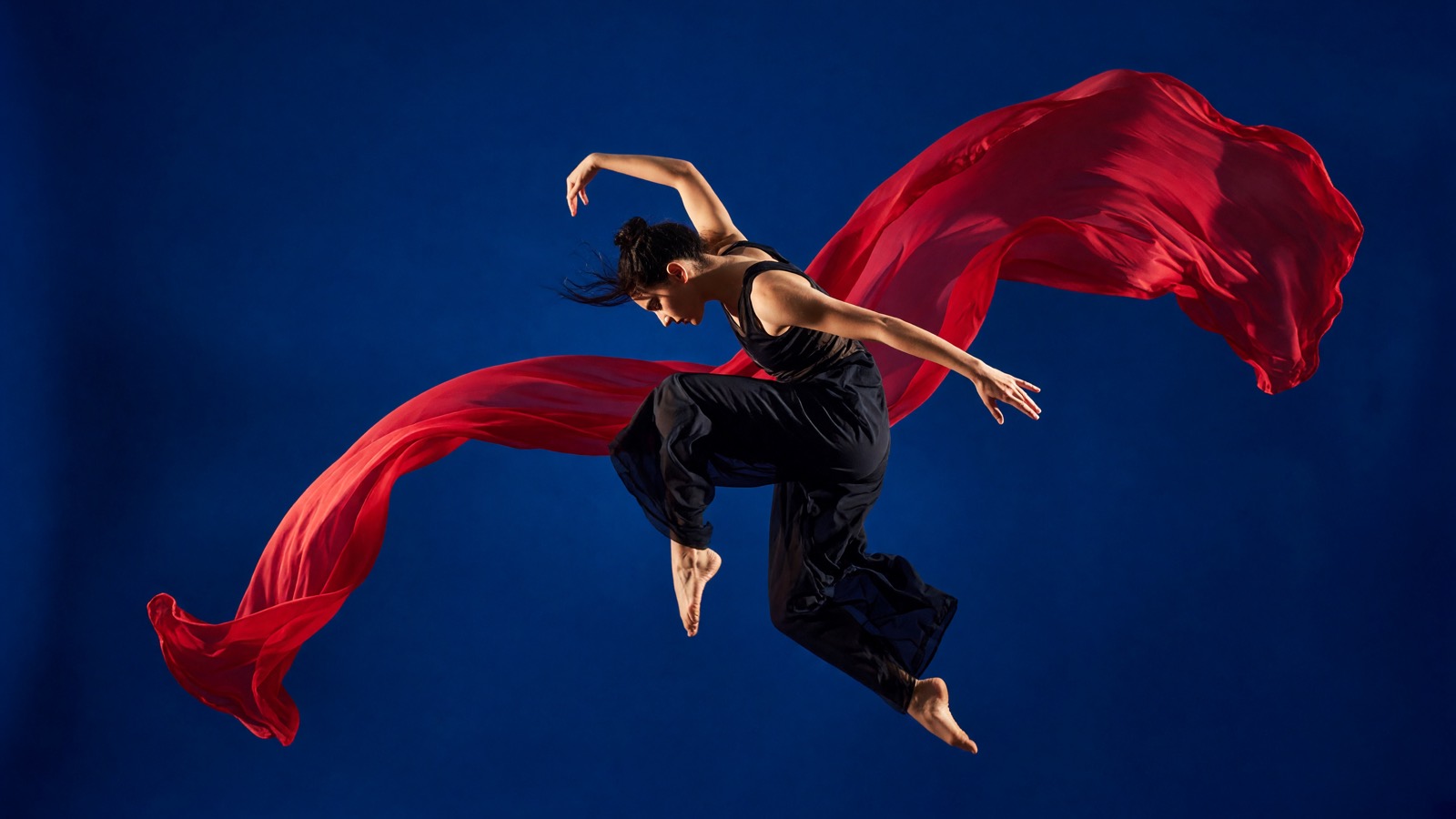
A contemporary dancer with flowing crimson fabric, remixed from the original still into a night-city editorial.
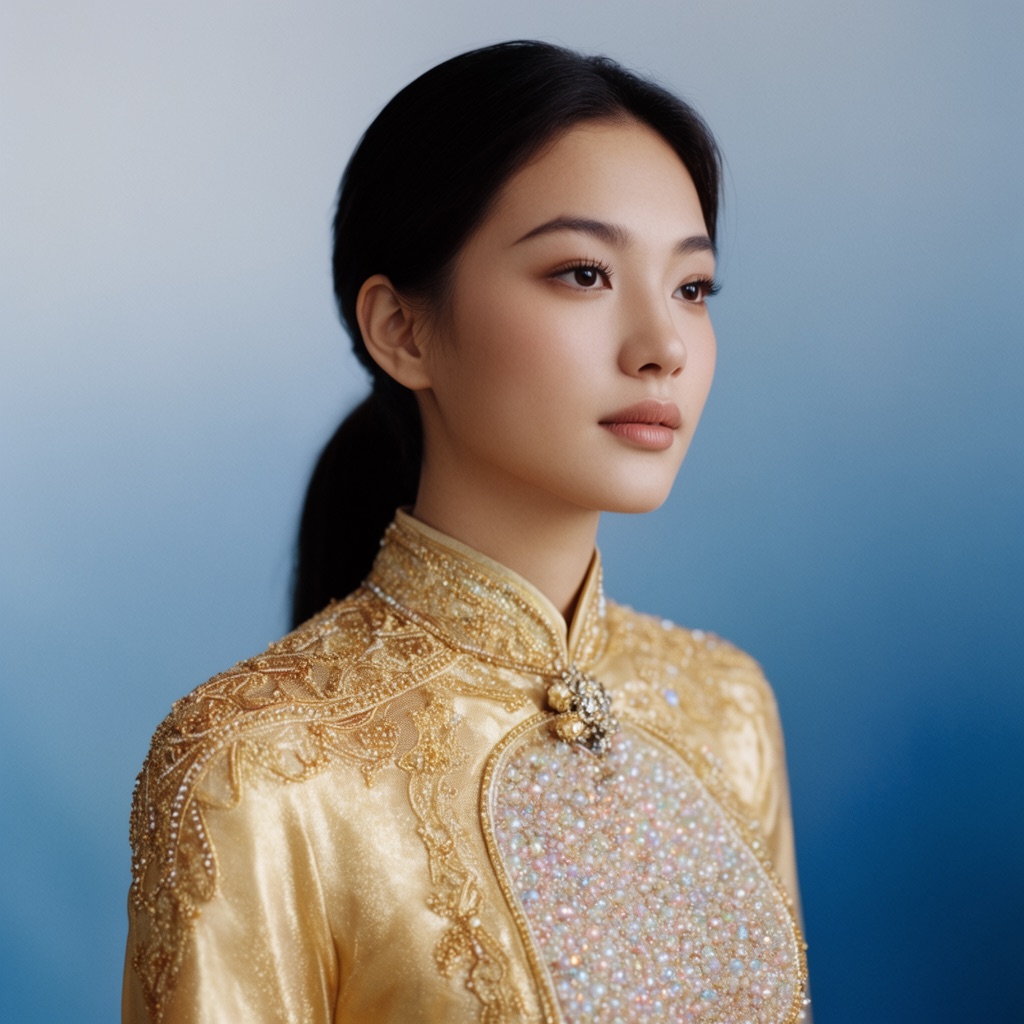
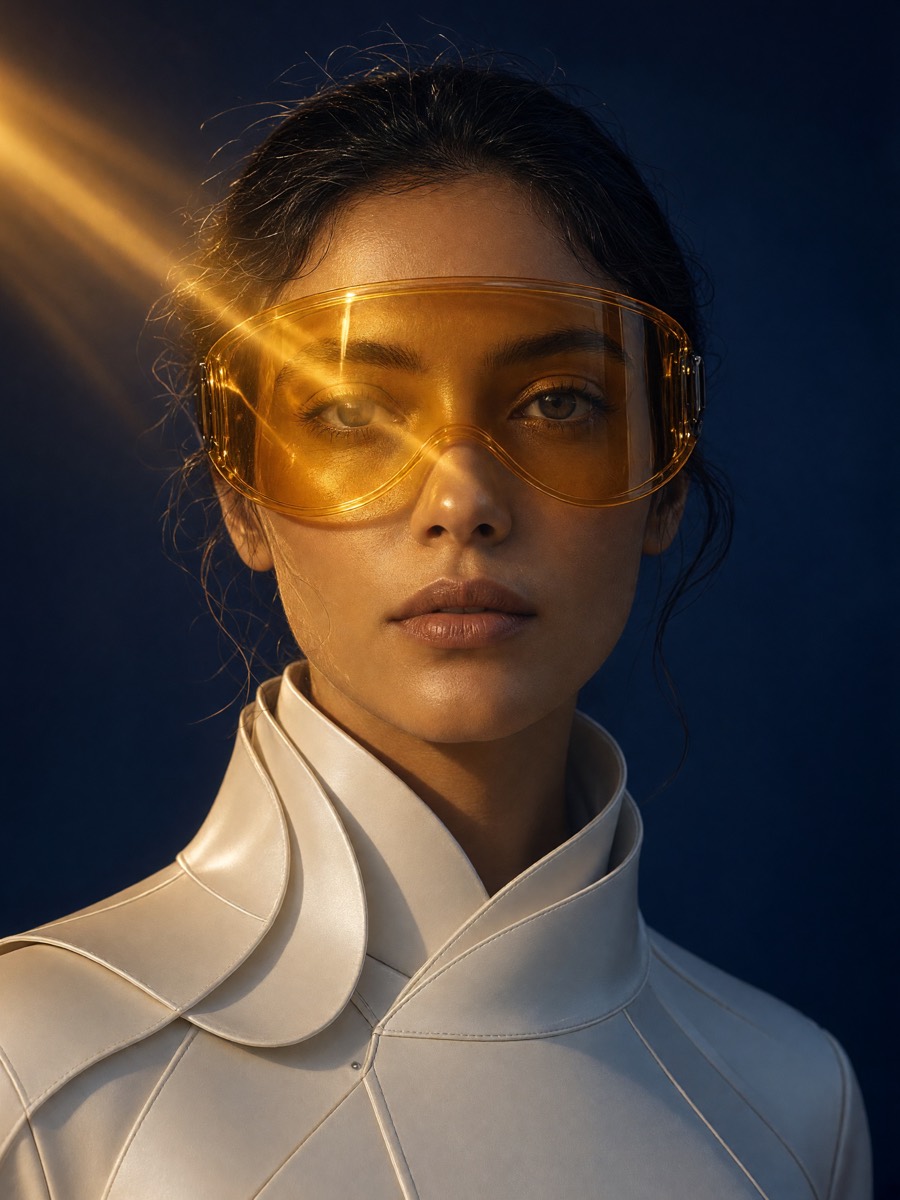
A close portrait with gold textile, warm key light, and a quiet studio backdrop.
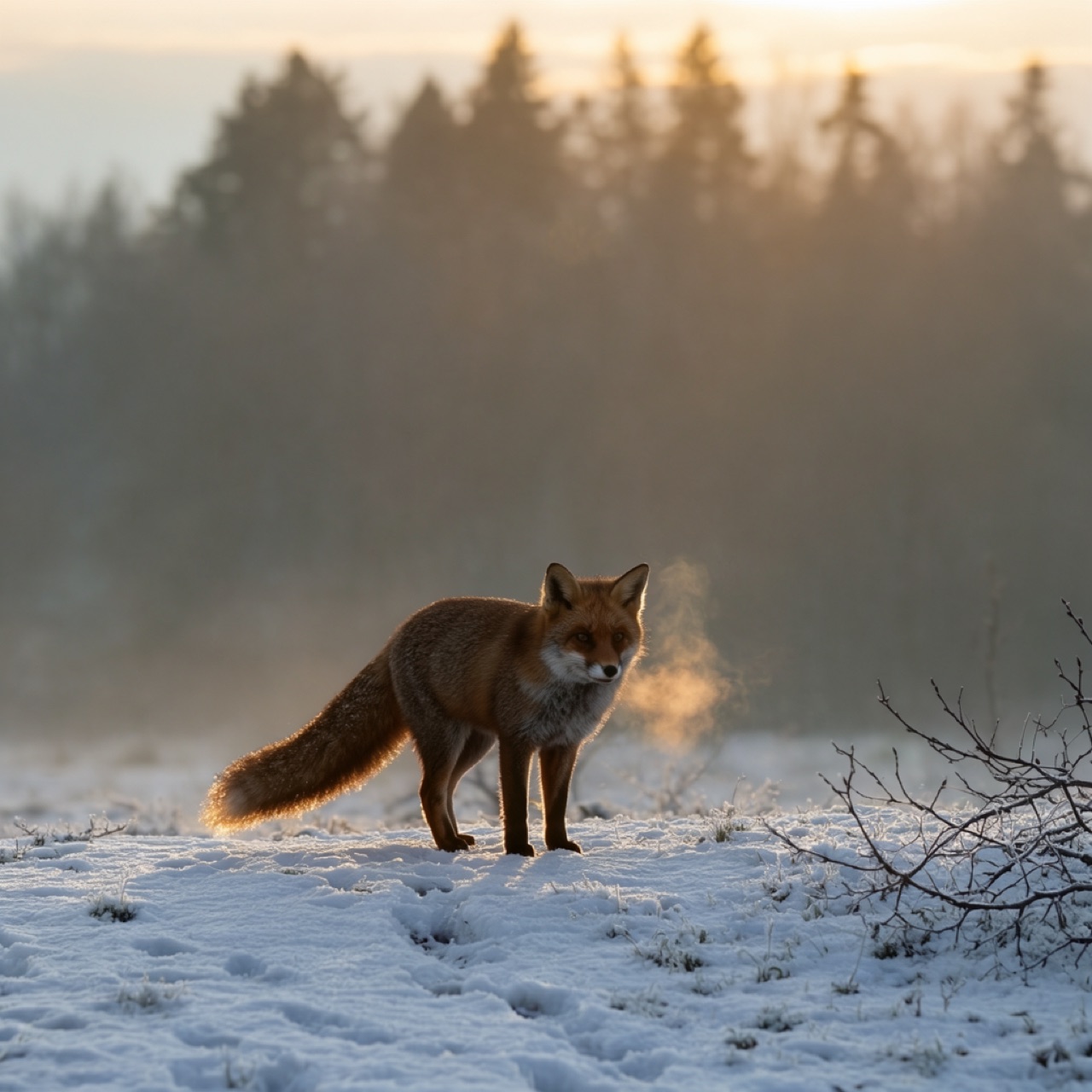
A red fox in misty snow at dawn, with soft golden backlight and fine fur detail.
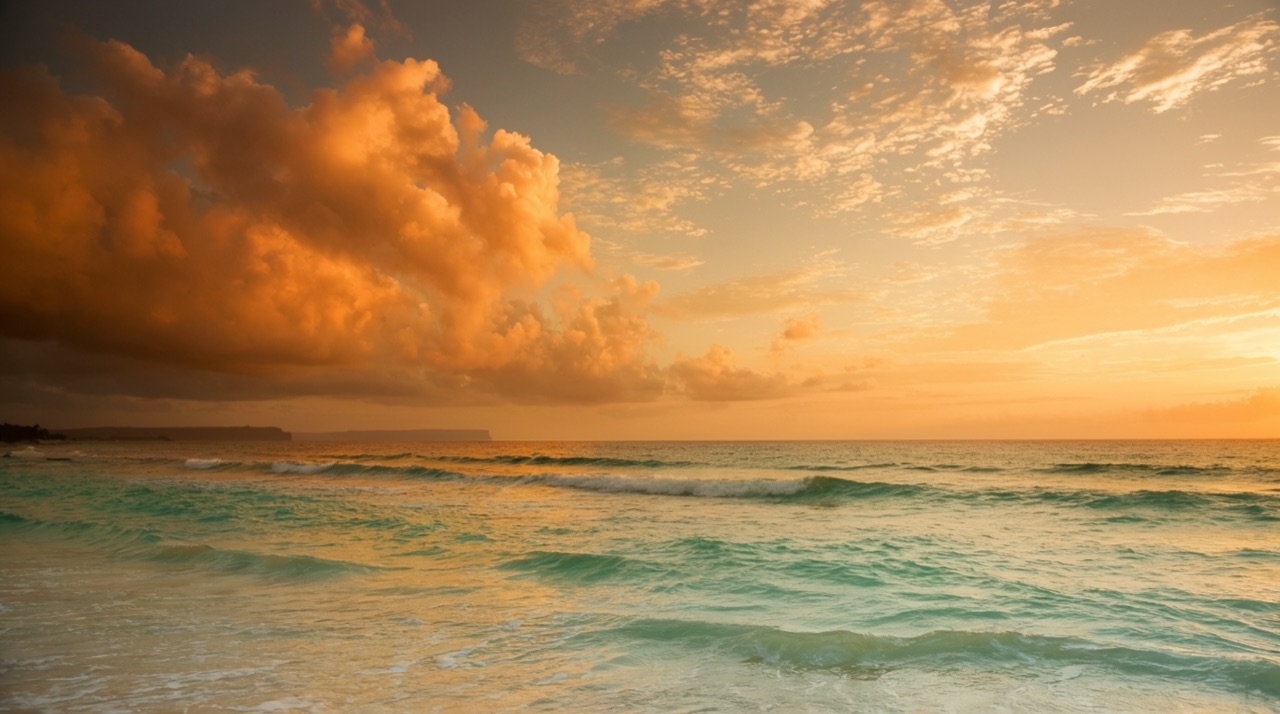
A wide cinematic seascape with spray catching golden morning light.

A stylized character with a kick scooter and a small mascot in a clean studio look.
Text-to-image generation
With Grok Imagine 2, write a natural-language prompt and turn it into one sharp image. The focused controls match the live model API without hidden batch behavior or unavailable settings.
Turn one focused text prompt into a sharp image through the WaveSpeed Grok Imagine Image V2.0 endpoint.
Describe the subject, composition, lighting, and style in plain language. A specific, internally consistent prompt gives the model a clearer visual direction and reduces avoidable ambiguity.
The Grok AI image generator exposes what the current API supports: one prompt, one output, and a published credit cost. Attach one image to edit it, or generate from text alone.
Creative use cases
Use Grok Imagine Image V2.0 for focused visual briefs across marketing, publishing, social content, and creative work.
Describe the product, material, surface, lighting, and composition for landing pages and campaign concepts. Include the viewing angle and background treatment when the product must remain the focal point.
Create character portraits, editorial looks, and profile images from a focused description. Mention wardrobe, expression, lens feel, light direction, and backdrop instead of requesting only a beautiful portrait.
Explore environments, characters, and visual directions for stories, games, and presentations. Use the first result to test mood and composition before a larger production workflow.
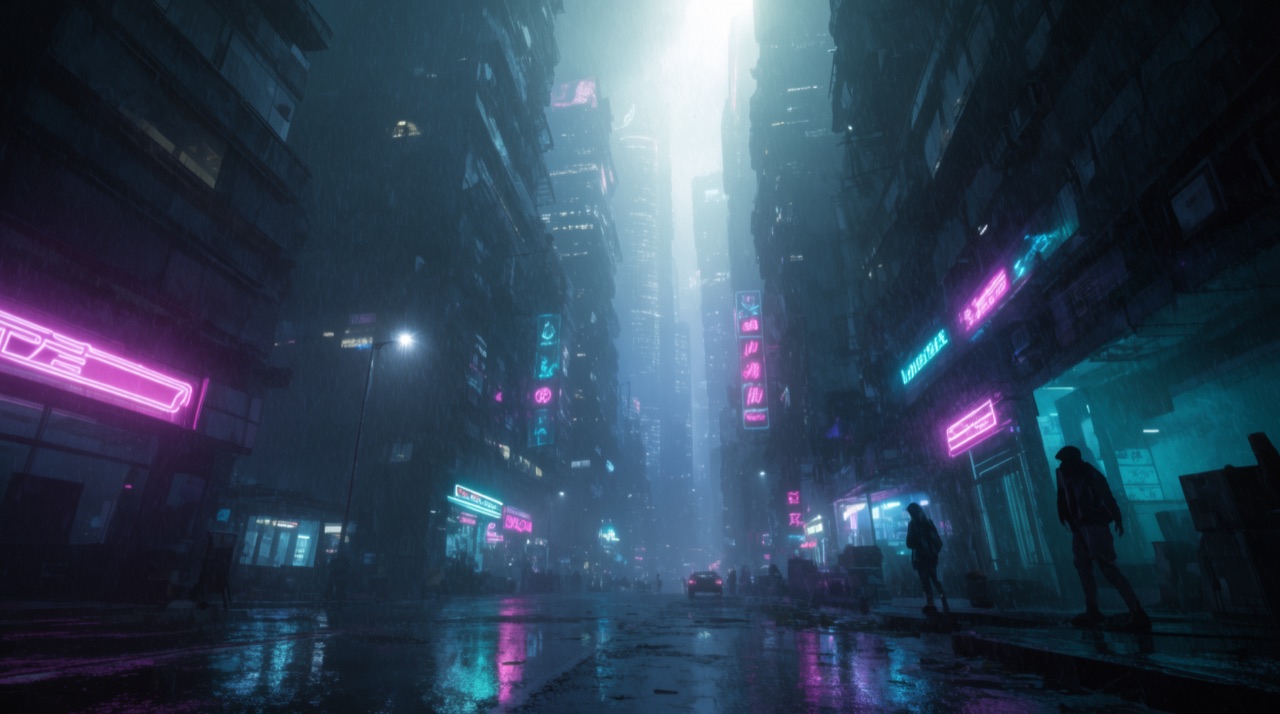
Generate images for posts, thumbnails, announcements, and marketing content. Keep the subject and contrast simple for small feed placements, then add final typography in your preferred design tool.
Prompt writing guide
A useful image prompt reads like a compact creative brief. Give the model enough visual information to understand the frame, but keep every instruction pointed toward the same result. Grok Imagine 2 works best when each prompt communicates one visual goal, making the generated result easier to review, compare, save, and reuse later.
Name the person, object, product, or place that leads the frame. Add essential visual traits, but avoid unrelated subjects that compete for attention. One obvious focal point is easier to compose and evaluate.
State whether you want a close-up, full-body portrait, overhead product shot, or wide scene. Camera language such as eye level, low angle, macro, or shallow depth of field communicates the expected space.
Lighting changes the same subject. Specify soft window light, hard studio flash, golden hour, or cool moonlight. Add a limited color palette when visual consistency matters more than surprise.
Frosted glass, brushed metal, weathered wood, wet asphalt, linen, and translucent plastic provide useful surface information. Concrete details guide results better than stacking generic quality words such as amazing or masterpiece.
Read the prompt before generating and remove contradictions. A minimal editorial photograph, busy fantasy environment, and playful cartoon are different directions. Choose one and build every instruction around it.
Three simple steps
Write a clear prompt with the subject, setting, lighting, composition, and visual style you want. Optionally attach one JPG, PNG, or WebP image to edit it instead of generating from scratch.
Submit from the homepage box. Text-to-image costs 10 credits; a one-image edit costs 12 credits. Each successful Grok Imagine Image V2.0 run returns one image.
Review the finished image at full size and decide whether the subject, light, and composition match the brief. The completed result remains available from your private generation history.
Current launch details
Grok Imagine 2 mirrors the model configuration currently running in production. These facts describe what a generation provides today without treating planned capabilities as live.
Every successful request returns one image, which keeps selection and credit usage straightforward.
Text-to-image exposes aspect ratio, 1K/2K resolution, and low/medium quality. Edit uses the source image plus the same resolution and quality controls.
Text-to-image is 10 credits. Editing one attached image is 12 credits. Credits are charged after a successful run, and new accounts begin with 32 signup credits — 2 generations and 1 edit.
Requests use the WaveSpeed Grok Imagine Image V2.0 endpoint; this website remains an independent interface.
Grok Imagine 2 FAQ
Grok Imagine 2 is an independent web interface for generating images with the Grok Imagine Image V2.0 model through WaveSpeed. It provides a focused prompt-to-image workflow, predictable credit cost, and private history for completed generations.
Yes. New accounts start with 32 signup credits, enough for 2 text-to-image runs at 10 credits and 1 one-image edit at 12 credits. No credit card is required to start, and you can review the available pricing options before purchasing additional credits.
Enter a text prompt describing the subject, composition, lighting, and style, then generate it from the homepage. Attach one image if you want Grok Imagine Image V2.0 to edit that source instead. Each successful run returns one image.
Grok Imagine 2 is the name of this independent browser experience. Grok Imagine Image V2.0 is the image-generation model used by the service through WaveSpeed at launch.
The launch version creates exactly one image per request. Text-to-image costs 10 credits; editing one attached image costs 12 credits. It does not silently create a batch or charge for several variations.
Yes. Open the Edit image tab, attach one JPG, PNG, or WebP image, describe the change, and submit. Grok Imagine Image V2.0 Edit accepts at most one source image and returns one edited result for 12 credits.
No. The current product generates or edits still images. It does not offer text-to-video or image-to-video generation.
No. This is an independent service. Model inference is provided through WaveSpeed, and xAI owns its respective model and trademarks.
Text-to-image lets you choose aspect ratio, 1K or 2K resolution, and low or medium quality. Edit follows the source image and uses the same resolution and quality controls. Each successful run still returns one image.
Begin with one subject, then add composition, setting, lighting, color, material, and style in a logical order. Prefer concrete descriptions such as soft side light or brushed aluminum over long lists of generic quality terms, and remove instructions that contradict one another.
Successful results are saved to your private generation history when you are signed in. You can return to a previous image, review its prompt and generation details, or download the output again without searching through a public gallery.
Start Grok Imagine 2 with 32 signup credits for 2 text-to-image generations and 1 image edit. No credit card is required.